Sub coverage for Pilates studios —
without the group chat panic.
Any instructor flags a class they can't teach. Hone emails the team. Whoever claims it sees the linked class plan, client flags, and roster — before they walk in the door.
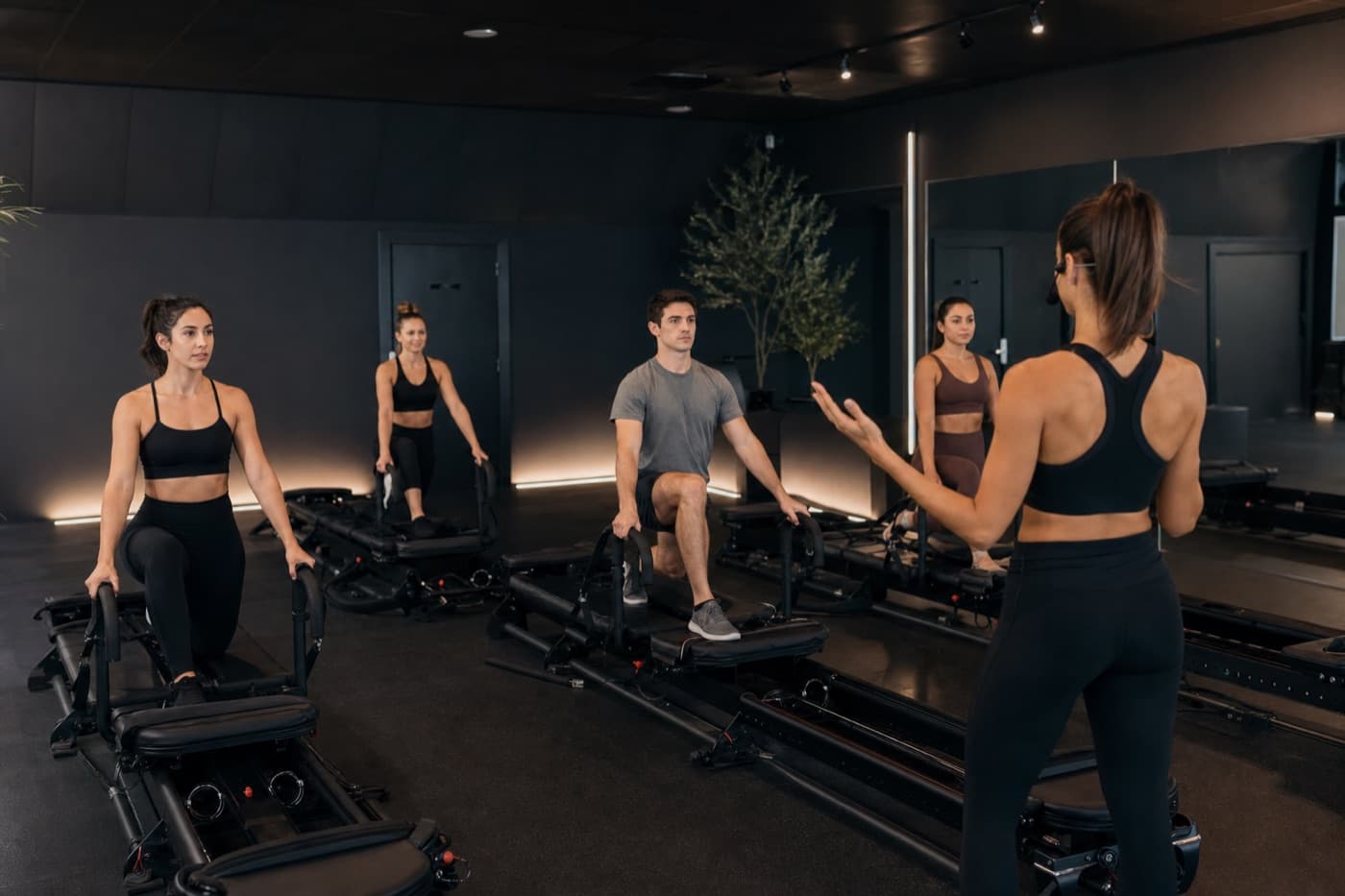
Subs shouldn't guess what to teach.
In most studios, sub coverage means a frantic text thread and a PDF someone forgot to send. Hone ties the sub request to the actual class on the schedule — with the plan already linked, client contraindications visible, and a one-click claim flow so the first available instructor owns it.
From booking to milestone — one connected day.
Clients manage bookings in the portal before class. They tap their name on the check-in kiosk when they arrive. After class, instructors log the session with attendees already selected — then milestones and feedback requests show up in the client portal automatically.
- —Magic-link portal — upcoming classes, credits or membership, cancel links, profile
- —Self check-in kiosk on your front-desk iPad
- —Session log pre-filled from check-ins — no manual “mark complete” step
- —Past bookings, milestones, and post-visit feedback in the client portal
Need a Sub from the schedule
Assigned instructors flag a class from the schedule or class detail page. The class shows Sub Needed to the whole team immediately.
No separate spreadsheet. No "anyone free Thursday?" thread.
Every instructor gets notified
Hone emails all studio members when a sub is needed — with class time, title, and a link to claim.
Coverage starts with visibility, not hope.
First claim wins — class reassigns automatically
An available instructor taps Claim Sub. The class moves to them on the schedule, roster intact, plan attached.
Owners can clear stale requests; subs can't double-book themselves.
Linked class plan travels with the sub
Studios link a plan before class starts. The sub opens Start live or reads the plan — exercise order, spring settings, transitions, and notes.
Same class quality whether Maya or Jordan is teaching.
Client flags on the roster
Injury notes, pregnancy status, and contraindications show on booked clients — so subs know who's in the room.
No more "did anyone tell the sub about Sarah's shoulder?"
Sub request window policy
Set how many hours before class an instructor can request a sub. Owners see all open requests and can manage coverage from one schedule.
Fair to the team; predictable for the studio.
How does Hone compare?
Hone vs. Typical booking software
| Feature | Hone | Typical booking software |
|---|---|---|
| Sub request from schedule | ✓ | ✗ |
| Email team on sub needed | ✓ | ✗ |
| Claim sub → auto reassign | ✓ | ✗ |
| Class plan attached to scheduled class | ✓ | ✗ |
| Client flags visible to sub | ✓ | ✗ |
| Live session timer from linked plan | ✓ | ✗ |
| Studio-wide schedule | ✓ | ✓ |
| Online booking | ✓ | ✓ |
| Exercise library & plan builder | ✓ | ✗ |
| Free trial | 14 days, no card | Varies |
| Starting price | $49/mo | $40–$200+/mo |
Scheduling tools know who's teaching. Hone makes sure they're prepared.
Common questions
How does an instructor request a sub?
Assigned instructors tap Need a Sub from the schedule or class detail page. The class shows Sub Needed to the whole team, and Hone emails every studio member.
Does the sub see the class plan and client flags?
Yes. Whoever claims the sub sees the linked class plan — exercise order, spring settings, and notes — plus client injury and pregnancy flags on the roster.
What happens when someone claims a sub?
The class reassigns to the claiming instructor automatically. The roster and linked plan stay attached — no manual schedule edits.
Can studio owners manage open sub requests?
Yes. Owners see all open sub requests on the schedule and can clear stale requests. You can also set how many hours before class an instructor can request a sub.
“A sub who walks in cold is a retention problem. A sub who walks in with the plan is just another great class.”